How to Stop Scrolling and Start Studying: The 15-Minute Reset
Can’t stop scrolling when you need to study? Use this 15-minute reset to reduce phone distractions, start focusing, and build a study session that lasts.
You sit down to study.
Your notes are open. Your laptop is ready. You know exactly what you should be doing.
Then you pick up your phone to check one thing.
One message becomes Instagram. Instagram becomes Reels. Reels becomes another app. A few minutes later, you put your phone down, look at your notes again, and somehow starting feels even harder than it did before.
If you are trying to figure out how to stop scrolling and start studying, you probably do not need a dramatic digital detox or a completely new productivity system.
You need a clean transition between your phone and your first real study task.
That is what this 15-minute reset is designed to create.
If You Need to Study Right Now, Do This First
Do not spend the next 30 minutes reading productivity advice.
Try this:
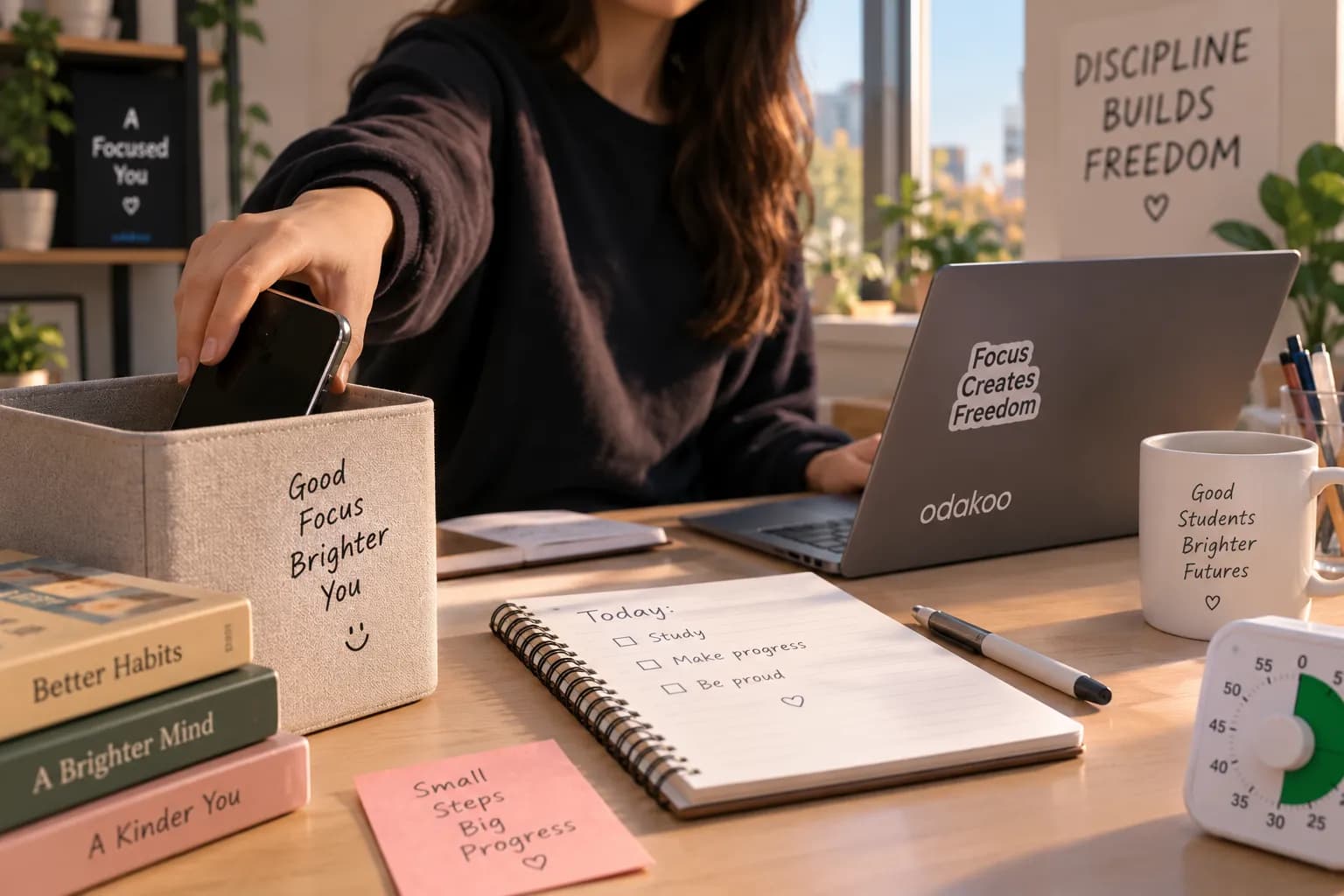
Put your phone somewhere you cannot reach from your chair.
Turn on Do Not Disturb or Focus mode.
Choose one specific study task.
Set a clear finish line for that task.
Start working for five minutes.
If you are moving, continue into one focused study block.
That is the entire idea.
The goal is not to become a person who never checks their phone.
The goal is to make studying easier to start than scrolling is to continue.
Why Is It So Hard to Stop Scrolling and Study?
Scrolling has almost no starting friction.
You unlock your phone, tap an app, and content immediately appears.
Studying works differently.
You may need to decide what subject to study, find the right page, choose which questions to solve, remember where you stopped yesterday, open several documents, and then begin something that requires actual effort.
That difference matters.
When your study task is vague but your phone is one tap away, the easier option keeps winning.
This is why simply telling yourself, “I need more discipline,” is often not very useful.
Instead of trying to win the same decision over and over again, change the setup before the study session begins.
The 15-Minute Phone-to-Focus Reset
Think of the next 15 minutes as a bridge.
You are not trying to complete a huge amount of work during the reset. You are creating enough momentum to enter a real focus session.
Minutes 0–2: Break the Scroll Loop
Start with the most obvious step.
Put the phone down.
But do not leave it directly next to your notebook.
If you can reach your phone without standing up, checking it still requires almost no effort.
Move it somewhere slightly inconvenient:
across the room
inside your bag
on a shelf
in a drawer
outside the room if that works for you
Then turn on Do Not Disturb or your phone's Focus mode.
You do not have to switch your phone off completely. The important part is removing the constant possibility of “just checking something” from the first few minutes of studying.
If you are expecting an important call, allow that person through your Focus settings and silence everything else.
Make the rule simple:
During this study block, my phone has a parking spot.
Minutes 2–5: Choose One Task, Not a Subject
Now look at what you planned to study.
If the task says:
“Study math”
change it.
That is a subject, not an action.
Instead, write:
“Solve questions 1–15 from the quadratic equations worksheet.”
Instead of:
“Study biology”
write:
“Review cell division notes and answer the five questions at the end.”
Instead of:
“Work on essay”
write:
“Draft the first 200 words of the introduction.”
A specific task gives your attention somewhere to land.
This becomes even more important after scrolling because your attention has just been moving rapidly between unrelated pieces of information.
Do not give yourself another collection of choices.
Give yourself one next action.
Minutes 5–7: Create a Visible Finish Line
A study session becomes easier to enter when you know where the first block ends.
Choose one of these:
Time-based
“I will work for 25 minutes.”
Output-based
“I will solve 15 questions.”
Section-based
“I will finish pages 34–41.”
You can combine them:
“I will work on questions 1–15 for the next 25 minutes.”
This is much easier to approach than:
“I have to study all evening.”
You are not deciding what happens for the next four hours.
You are deciding what happens during one block.
Minutes 7–10: Remove Digital Detours
Your phone is not the only place where scrolling happens.
If you are studying on a computer, close anything you do not need.
That might include:
social media tabs
Discord
WhatsApp Web
YouTube recommendations
news sites
shopping tabs
email
unrelated documents
Do not turn this into a 20-minute desktop-cleaning project.
You only need the material required for the current task.
If you need a browser for research, keep it open. If you need YouTube for a lecture, use the lecture.
The goal is not to remove technology.
The goal is to remove unnecessary exits from the task.
Minutes 10–15: Start Before You Feel Focused
This may be the most important part.
Do not wait until you feel completely ready.
Read the first paragraph.
Solve the first question.
Write the first sentence.
Review the first flashcard.
Your first five minutes do not need to be impressive.
They only need to happen.
Many students try to create focus before starting.
Try reversing that.
Start first.
Give your attention something concrete to follow.
Then let focus catch up.
After the Reset: Do One Real Focus Block
Once the first five minutes are moving, continue with one proper study session.
A simple starting point is:
25 minutes of focus
5 minutes of break
You can also use a longer rhythm such as 40/10 or 50/10 when you already know you are comfortable with longer sessions.
There is no reason to force every task into exactly the same timer.
If starting is your biggest problem, however, a shorter first block can make the commitment feel much smaller.
Instead of:
“I need to study for three hours.”
You only need:
“One focused session.”
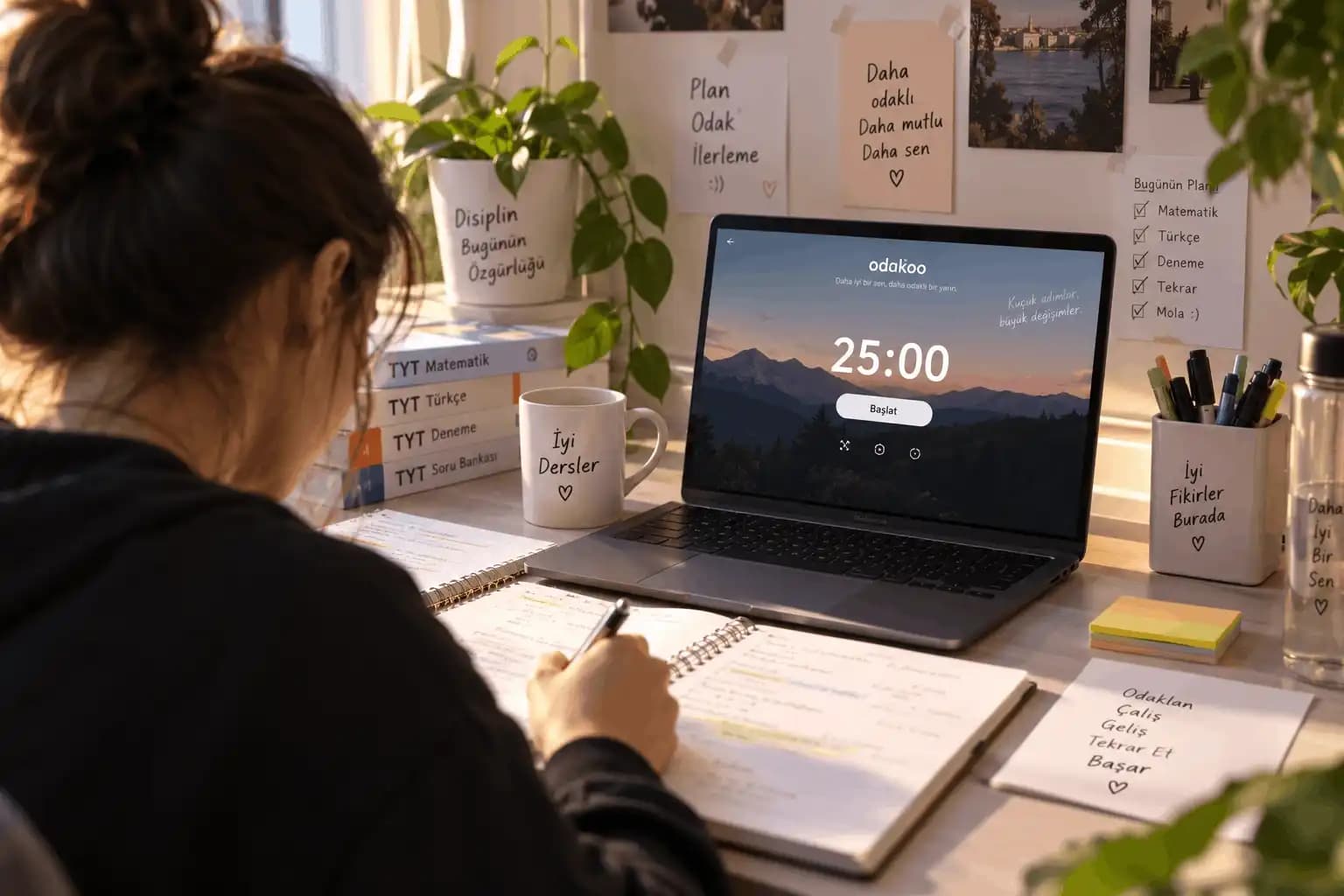
Odakoo's Pomodoro system can be useful here because you can choose a task, set the focus duration, and give the session a visible beginning and end.
The important part comes before pressing start:
know what you are going to do when the timer begins.
A timer without a task can still become 25 minutes of avoiding work.
How to Stop Using Your Phone While Studying Without Turning It Off
Sometimes your phone is genuinely useful.
Maybe you need:
a calculator
an authentication code
a dictionary
a school app
a PDF
a class group
a photo of your notes
In that case, completely removing the phone may not make sense.
Instead, separate using your phone as a tool from using your phone as an escape.
Try this setup:
Keep only necessary notifications
Allow calls or messages that genuinely need immediate attention.
Everything else can wait until the session ends.
Open the tool before the session starts
If you need the calculator, open the calculator.
If you need a PDF, open the PDF.
Avoid unlocking your phone and passing through a home screen full of apps every time you need something.
Put distracting apps away from your first screen
You do not need to delete every social app.
A little extra friction can be enough to interrupt automatic checking.
Use another device when possible
If the same PDF, calculator, article, or lecture can be used on your laptop, moving the study activity away from your phone can make the boundary much clearer.
Your phone does not have to disappear.
It just should not control the rhythm of the session.
What Should You Do During a Study Break Instead of Scrolling?
This is where many study sessions collapse.
You complete a focus block.
You have five minutes.
You open TikTok, Instagram, Shorts, Reddit, X, or another feed.
The break ends.
Your scrolling does not.
A good short break should have a natural ending.
Try:
getting water
stretching
standing by a window
walking around the room
making tea or coffee
washing your face
resting your eyes
doing absolutely nothing for a few minutes
These activities are not exciting.
That is partly the point.
You want the break to feel like a pause between study blocks, not the beginning of a completely different activity that you now have to drag yourself away from.
Save the longer entertainment break for when you actually intend to stop studying.
What If You Keep Picking Up Your Phone Anyway?
Increase the amount of friction.
Do not jump immediately to the strictest possible system.
Start with the smallest change that works.
You can think of it as a ladder:
Level 1: Phone face down on the desk.
If that does not work:
Level 2: Phone out of reach.
Still checking?
Level 3: Phone inside your bag or drawer.
Still getting up for it?
Level 4: Phone in another room.
Still finding ways around the rule?
Level 5: Add an app or website blocker during your planned study period.
The right setup is the one that prevents the behavior you personally repeat.
Someone who only checks their phone when notifications arrive may need nothing more than Do Not Disturb.
Someone who automatically opens social media without a notification may need physical distance.
Build the environment around your actual behavior instead of copying the strictest productivity routine you see online.
If Studying Alone Makes You Reach for Your Phone
Sometimes the phone fills empty space.
You sit down alone.
The room is quiet.
The task feels difficult.
Your hand reaches for your phone almost automatically.
In that situation, adding a little structure from other people can help the study session feel more real.
You can study with a friend, sit in a library, join a call where both people work quietly, or use an online study room.
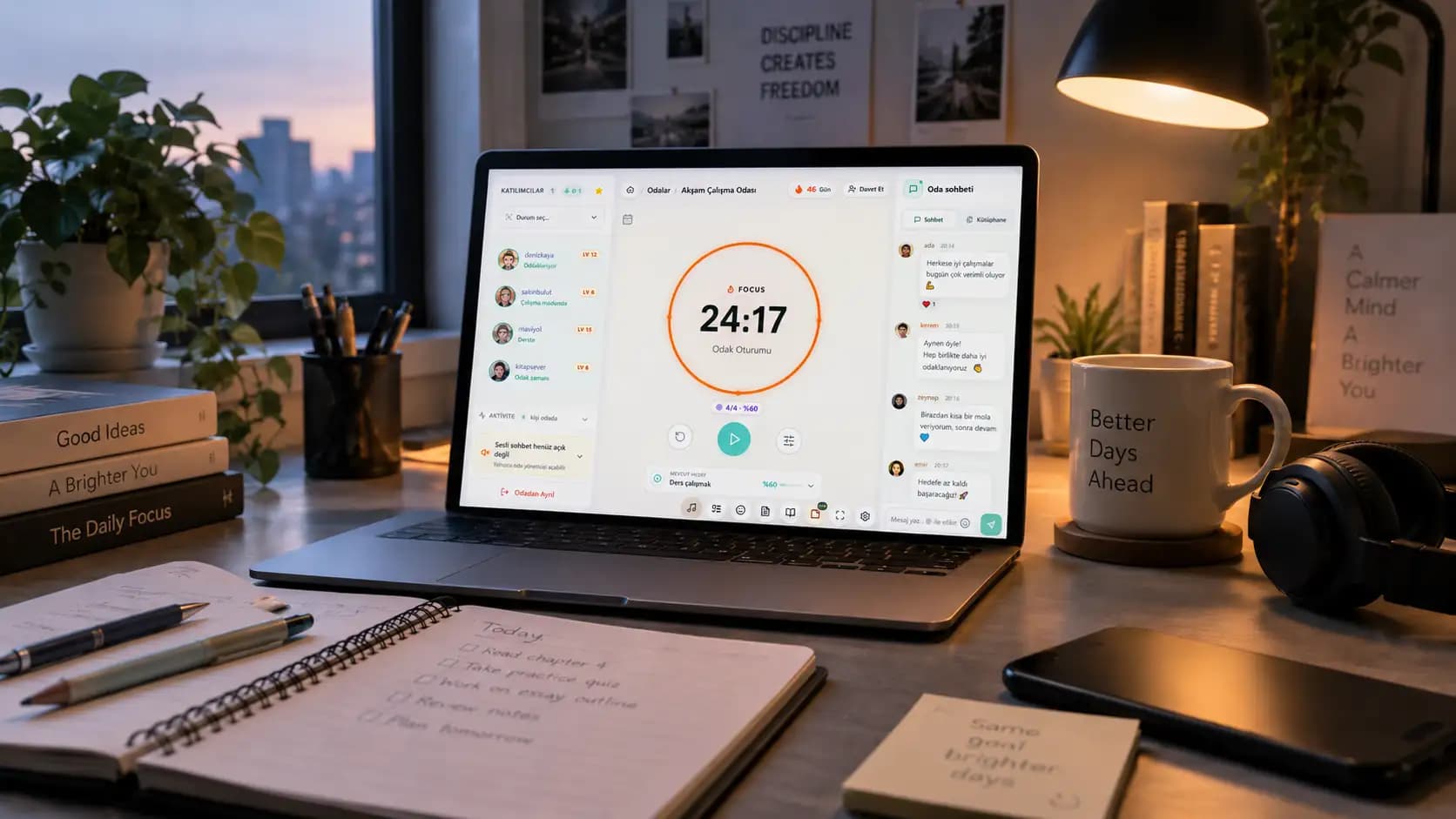
Odakoo's study rooms let you focus alongside other people while keeping your own task. You can follow a Pomodoro rhythm, see that other people are also studying, and use the room as a place to return to when your attention drifts.
You do not need constant conversation.
Sometimes the useful part is simply knowing:
other people are working right now too.
Use that as structure, not as another social feed.
Do Not Turn Phone Control Into Another Form of Procrastination
There is another trap here.
You decide that your phone is distracting you.
So you spend an hour:
researching productivity apps
redesigning your home screen
watching digital minimalism videos
comparing app blockers
changing every notification setting
building a complicated study system
And you still have not studied.
You do not need the perfect phone setup tonight.
Put it away.
Choose one task.
Start.
Improve the system later if the same distraction keeps returning.
A simple rule that you actually use is better than an elaborate productivity setup that becomes another reason not to work.
What If You Already Wasted an Hour Scrolling?
Do not wait for tomorrow.
This is important.
A bad hour does not need to become a bad day.
If you planned to begin at 6:00 and looked up at 7:15, you still have a choice at 7:16.
Do the reset.
Move the phone.
Choose one task.
Complete one focus block.
You do not have to rescue the entire schedule.
You only need to stop losing the next block because you already lost the previous one.
The cleanest recovery from scrolling is not guilt.
It is the next useful action.
A Simple Phone Rule for Every Study Session
If you want one rule to remember after reading this article, use this:
Phone away. One task. One timer. Then decide again.
Phone away removes the easiest distraction.
One task removes unnecessary decisions.
One timer gives the work a clear boundary.
Then decide again prevents one focus block from feeling like a commitment to study forever.
It is intentionally simple.
The easier your starting routine is to repeat, the more useful it becomes.
Frequently Asked Questions
How do I stop scrolling and start studying?
Move your phone out of reach, turn on Do Not Disturb, choose one specific study task, and begin with a short focus period. Do not wait until you feel motivated. Make the transition from scrolling to the first study action as simple as possible.
Should I put my phone in another room while studying?
If having your phone nearby repeatedly leads to checking it, moving it to another room is worth trying. If you can leave it nearby without touching it, Do Not Disturb and keeping it out of reach may be enough.
What if I need my phone while studying?
Keep access to the tools you actually need while adding friction to distracting apps. Use Focus mode, reduce notifications, open the required app before starting, and move study materials to a laptop or tablet when that makes the session easier.
How can I stop checking my phone while studying?
Identify what usually triggers the check. If notifications are the problem, silence them. If you check automatically, move the phone farther away. If you repeatedly bypass those boundaries, use an app or website blocker during the focus period.
Is 25 minutes enough for a study session?
It can be a useful starting point, especially when beginning feels difficult. The goal of the first block is not to complete everything. It is to create uninterrupted progress on one clearly defined task.
What should I do during a five-minute study break?
Choose something with a natural ending: stand up, stretch, drink water, walk around, or rest your eyes. Endless feeds are difficult to fit into a five-minute boundary because there is always another post or video waiting.
How do I focus again after scrolling for a long time?
Do not try to recover by planning a perfect study session. Remove the phone, reduce open distractions, choose one small task, and work on it for five minutes. Once you are moving, continue into a normal focus block.
Stop Trying to Win Against Your Phone Every Five Minutes
You do not need stronger willpower every time your screen lights up.
You need fewer decisions.
Before your next study session:
Put the phone somewhere inconvenient.
Choose one task.
Create a finish line.
Start a timer.
Begin before you feel completely ready.
Fifteen minutes from now, you do not need to have your entire life organized.
You only need to be doing the work you intended to start.
And once the first study block begins, scrolling has already stopped winning.